
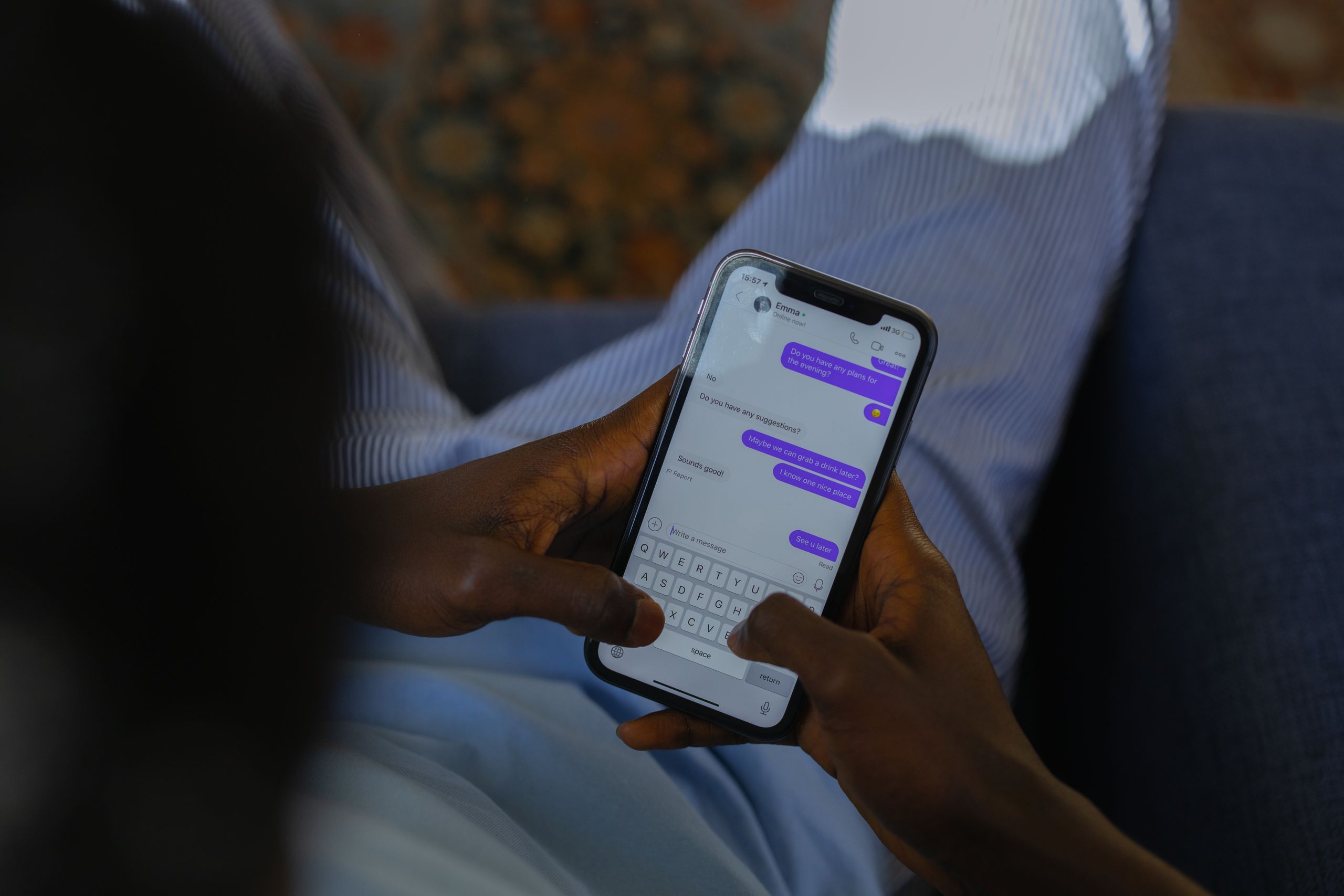
Business SMS Powered by On-Q.app
Why Should You Enable SMS on Your Business Phone Number?
Today’s customers expect businesses to be as easy to reach as their friends and family. While phone calls and email remain important, text messaging has become one of the fastest and most convenient ways to ask questions, confirm appointments, request service, and receive updates.
Unfortunately, many businesses still assume their office phone number is only for voice calls. As a result, they miss valuable opportunities to connect with customers who would rather send a quick text than wait on hold.
The Convenience of Texting
Think about your own communication habits. If you need a quick answer from a business, would you rather call and navigate a phone menu or send a simple text message?
For most people, the answer is obvious.
Business Text Messaging allows customers to communicate when it’s convenient for them. Whether they’re at work, in a meeting, or simply unable to make a phone call, they can quickly send a text and continue with their day.
One Business Number for Calls and Texts
A common misconception is that businesses need a separate mobile phone number to send and receive text messages.
With Business Text Messaging, powered by On-Q.app, your existing business phone number can handle both voice calls and text messages. Customers continue using the number they already know, while your team manages conversations from desktop computers, laptops, smartphones, or tablets.
The result is a seamless customer experience without changing your published contact information.
Improve Customer Service
Business Text Messaging isn’t intended to replace phone calls—it complements them.
Text messaging is ideal for:
- Answering quick customer questions
- Appointment confirmations and reminders
- Service updates
- Delivery notifications
- Scheduling changes
- Sending directions or important information
- Following up after a service call
Because text messages are typically read within minutes, customers often respond much faster than they do to email.
Keep Your Team Connected
Business SMS powered by On-Q.app improves internal communication and workflow.
Instead of relying on a single mobile phone, authorized employees can access business text conversations wherever they’re working. Whether they’re in the office, working remotely, or visiting a customer, they can respond quickly while maintaining a consistent and professional business identity.
Most importantly, employees communicate using the company’s business number—not their personal cell phones.
Maintain a Professional Image
Using personal phones for business communication can create confusion and make it difficult to keep customer conversations organized.
Business SMS centralizes conversations, ensuring they remain with the business even when employees change roles or leave the organization. This improves accountability, continuity, record keeping, and customer service.
Is Business SMS Right for Your Business?
If your customers frequently ask questions such as:
- “Are you open today?”
- “Can I book an appointment?”
- “Has my order arrived?”
- “Can someone call me back?”
…then your business can likely benefit from Business SMS.
Adding text messaging to your existing business phone number is easier than many organizations expect, giving customers another convenient way to reach your business without changing how they already contact you.
Give Customers the Communication They Expect
Customer expectations continue to evolve, and businesses that make communication easier are often the ones customers remember.
By enabling Business SMS powered by On-Q.app, you give customers a fast, familiar, and convenient way to connect while improving responsiveness, strengthening your professional image, and creating a better overall customer experience.
Communication is no longer just about answering the phone, it’s about being available wherever your customers choose to connect.
Ready to add Business SMS to your existing business phone number?
Contact SIPLink Solutions today to learn how easy it is to get started.
FAQ:
Q: Can I text from my existing business phone number?
A: Yes, with Business SMS powered by On-Q.app your main phone number. Customers can continue to use the number they already know
Q: Do I need a separate mobile number?
A: No, you do not need a mobile number. The Business SMS powered by On-q.app allows the text message to be received on your desktop computers, laptops, smartphones, or tablets.
Q: Can multiple employees respond to text messages?
A: Yes, you can add as many users as needed.
Hi, this is a comment.
To get started with moderating, editing, and deleting comments, please visit the Comments screen in the dashboard.
Commenter avatars come from Gravatar.